PLUNTX 3DPRINTS
Get Anything To Life!


Instructions for Uploading Models
Follow these easy steps to upload your 3D Models for printing
Step 1
Make sure your model is in STL or OBJ format
Step 2
Click on the upload button and select your file
Step 3
Fill in all the details you want for your final print.
Step 4
Finally click on submit to get a quote
Let’s Bring Your Model To Life
Upload your 3D models here & we will be in touch within 24 hrs
Click here to upload or drag and drop your model to the canvas.
The model is too large and has been resized to fit in the printer's build tray. [Hide]
The model is too large to fit in the printer's build tray. [Hide]
The model is too large, a fitting printer is selected. [Hide]
The model is too small and has been upscaled. [Hide]
Warning: The selected printer can not print in full color [Hide]
Warning: obj models with multiple meshes are not yet supported [Hide]
| Material Volume: | cm3 |
| Box Volume: | cm3 |
| Surface Area: | cm2 |
| Model Weight: | g |
| Model Dimensions: | x x cm |
Estimated Price:
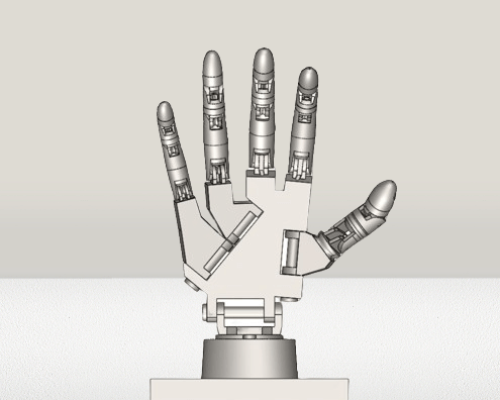
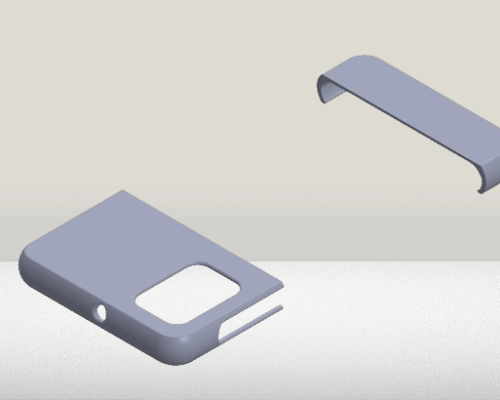
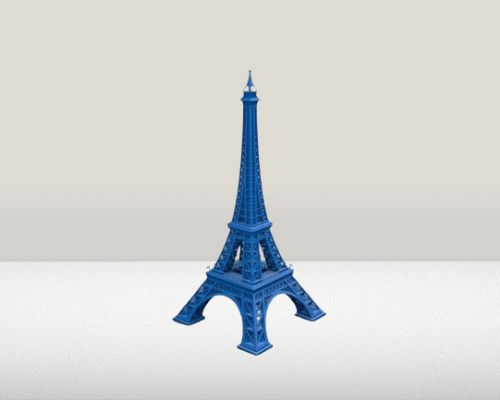
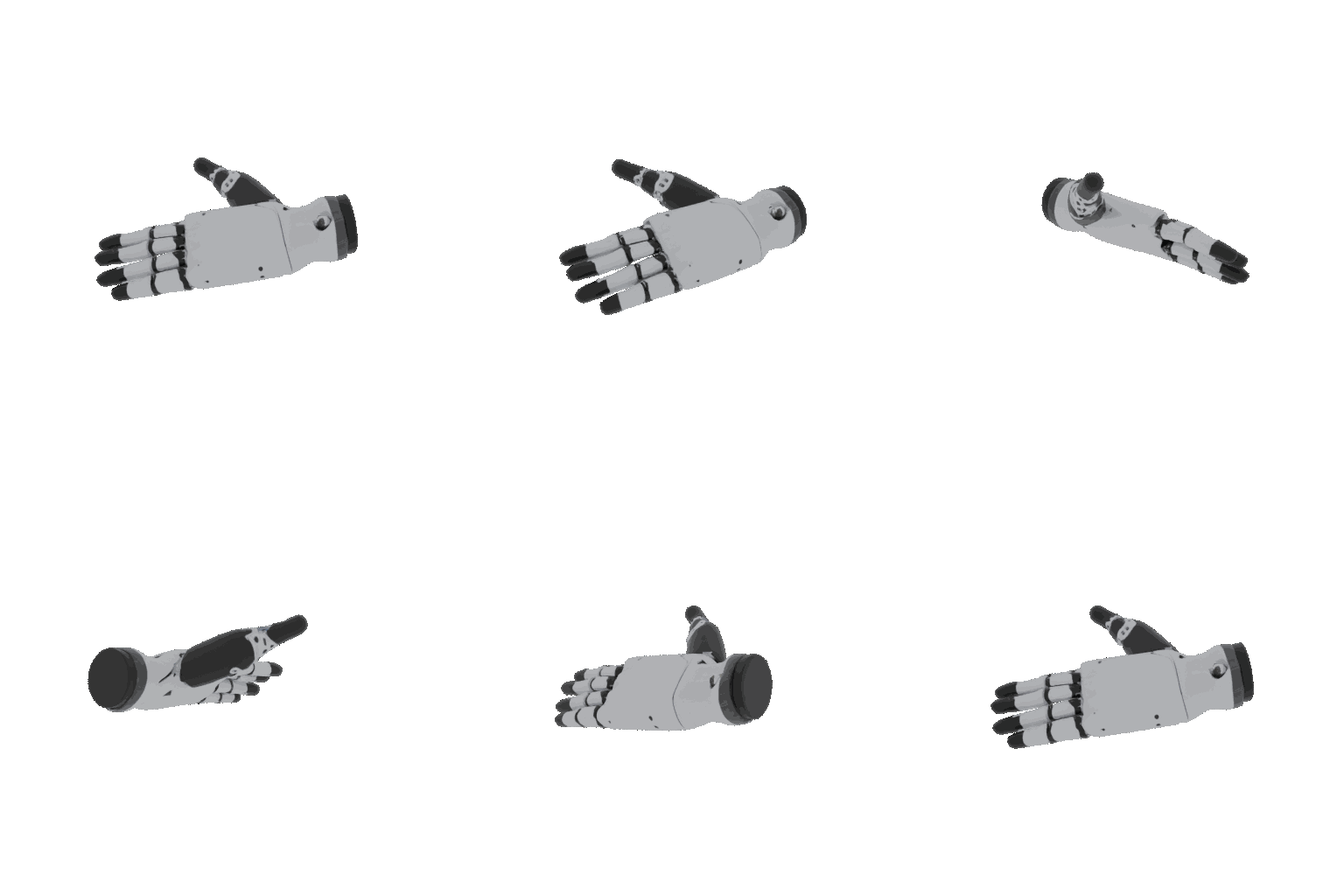
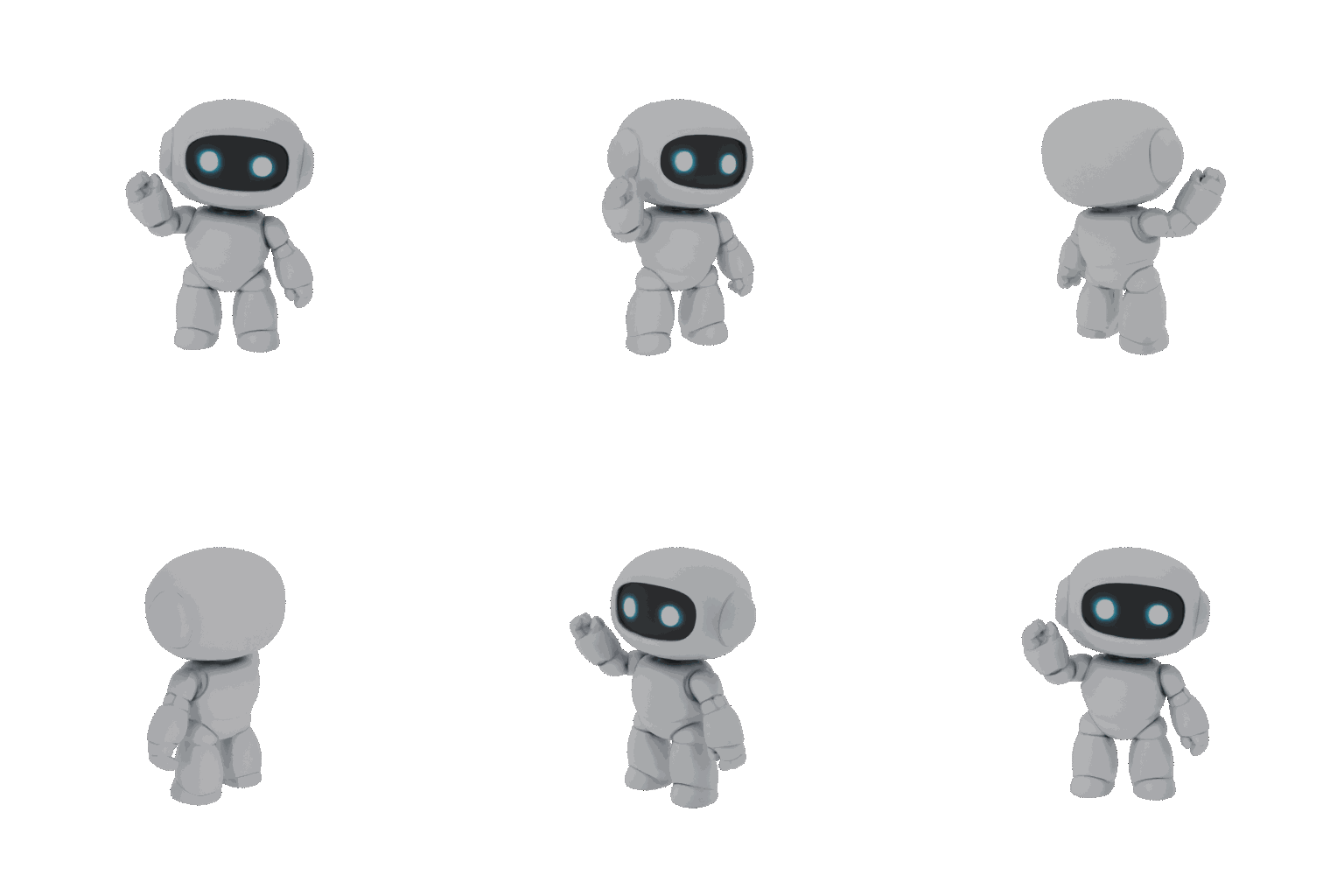
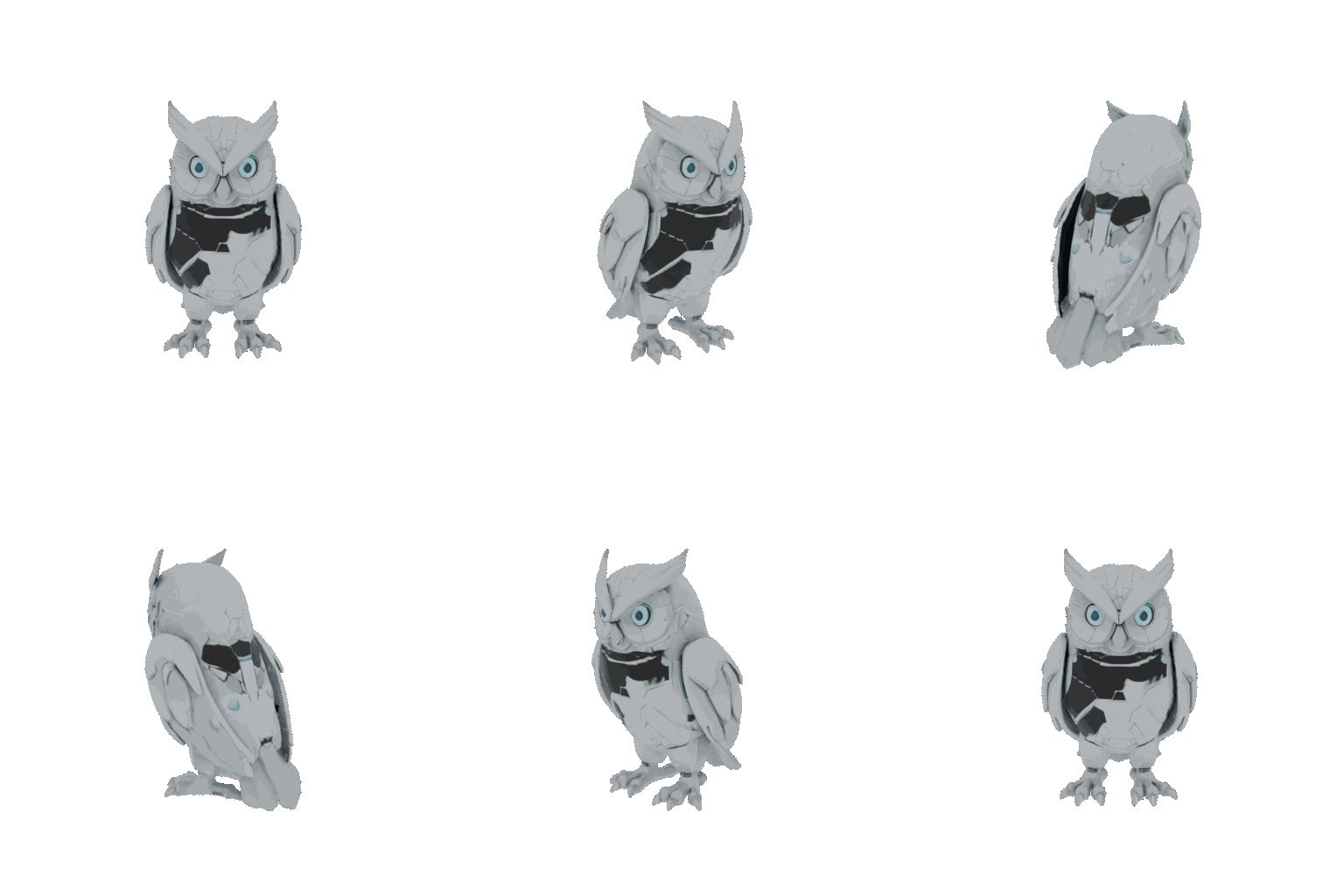
Sample Designs


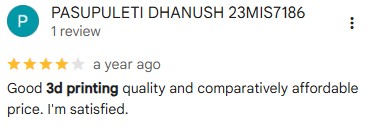
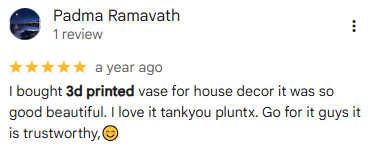
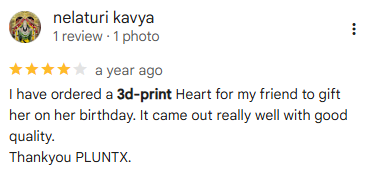
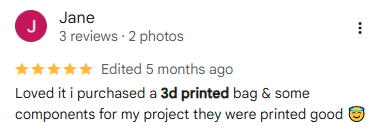
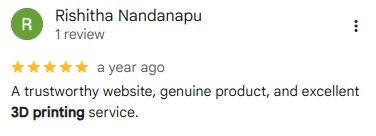
What Our Customers Are Saying
Check out the feedback from our satisfied clients


Contact Us
Have questions or need assistance? Reach out to us